

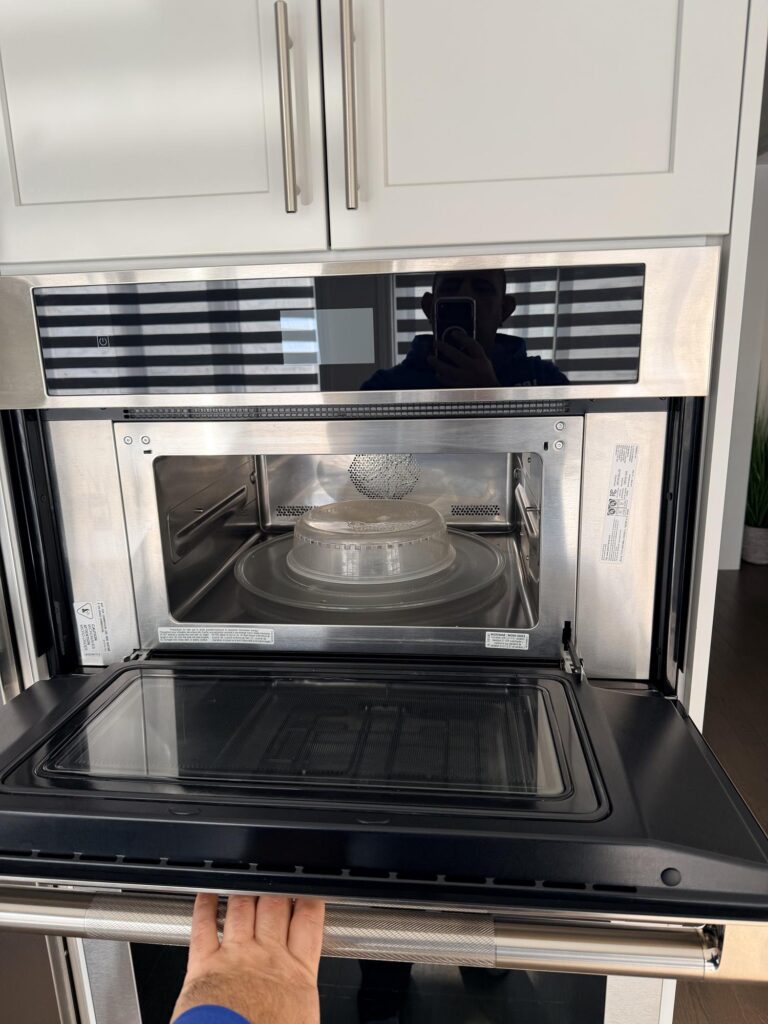
3-second answer: To unlock almost any Panasonic microwave, press the Stop/Reset pad three times within about 10 seconds — the child-lock indicator disappears and the time of day returns to the display. On newer touch-panel (Genius Sensor / Inverter) models, press and hold Stop/Reset for 3 to 5 seconds instead. The lock was almost certainly set by accident: on Panasonic units, pressing Start three times is what turns child lock ON, so a curious kid leaning on the panel — or a quick wipe-down — sets it without anyone noticing.
Panel completely dead, or the lock comes straight back after you clear it? That points to a faulty membrane keypad or control board, not a setting. Call 647-834-4646 for same-day microwave service across Toronto, North York, Markham, Vaughan, Bradford, and York Region. $89 service-call, waived if you approve the repair.
This is the exact sequence our Panasonic repair specialists walk owners through over the phone: confirm it’s really child lock (and not Demo Mode or a hardware fault), clear it in seconds, and know when a stuck panel means it’s time for a microwave repair instead. Below are the by-model steps, the demo-mode trap that fools most people, and the five checks that tell a set lock from a broken one.
Why your Panasonic microwave says it’s locked
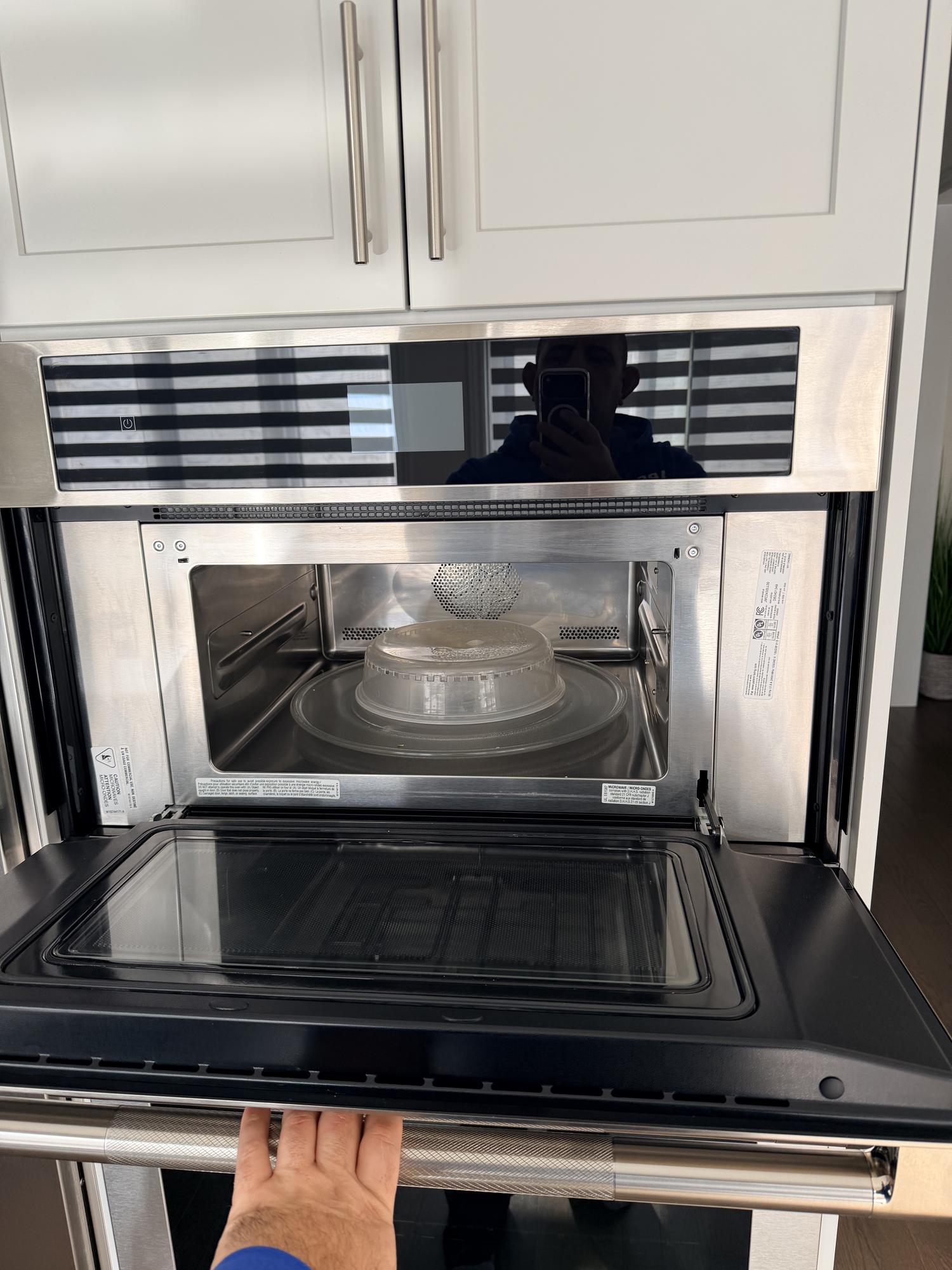
A Panasonic microwave that won’t respond to its pads is showing one of three things, and they have completely different fixes. Identifying which one you have takes ten seconds and saves you a service call.
- Child Lock (the usual cause). The display shows a small lock icon, a key symbol, or the word “Child” / “Lock,” and the clock is often still visible. Every pad except Stop/Reset is ignored. This is a setting, not a fault — and it clears in seconds.
- Demo Mode (the “D” on the display). A letter D in the corner of the display means the microwave is in showroom Demo Mode. The panel lights up and “runs,” but the magnetron never heats. People mistake this for a lock constantly. It needs a different exit sequence (covered below).
- A genuine control fault. If no pads work at all — including Stop/Reset — or the lock returns the instant you clear it, the membrane keypad or the control board has likely failed. Inverter models may also show H97 or H98, which are inverter-circuit faults, not locks.
How to turn off child lock on a Panasonic microwave
This universal method works on the vast majority of Panasonic countertop, over-the-range, and built-in microwaves — Genius, Genius Sensor, and Inverter lines included. The whole thing takes under a minute.
- Look at the display and confirm it’s a lock. You should see a lock/key icon or “Child” / “L.” If you see a “D,” skip to the Demo Mode section — Stop/Reset will not clear demo mode.
- Press Stop/Reset three times, quickly. Tap the Stop/Reset pad three times within about 10 seconds. On most models the lock indicator vanishes and the clock returns immediately.
- If nothing happens, press and hold Stop/Reset. On newer flat touch-panel models, hold the Stop/Reset area for 3 to 5 seconds until you hear a beep and the icon clears.
- Power-cycle if it’s still locked. Unplug the microwave (or switch off its breaker) for 30 to 60 seconds, plug it back in, and re-enter the steps above. This clears a momentary control glitch and resets the clock.
- Test a pad. Press a number or the Time/Timer pad. If the display accepts it, you’re unlocked — set the clock and you’re done.
If the lock returns the moment you clear it, or step 5 still does nothing, the problem is hardware rather than a setting — see “When ‘locked’ means a broken panel” below.
Unlocking by Panasonic model line
The Stop/Reset method is consistent across the range, but the button feel and a couple of details differ by series:
- Genius / Genius Prestige (dial + pads, e.g. NN-SD/NN-SE series): Tap the physical Stop/Reset pad three times. These older boards respond instantly; if they don’t, the pad membrane is the first suspect.
- Genius Sensor / Inverter countertop (e.g. NN-SN686S, NN-SN966S, NN-ST series): Stop/Reset three times, or press and hold it for 3 to 5 seconds on the flat-panel versions.
- Over-the-range (OTR) and built-in Panasonic units: Same Stop/Reset method. Because these are mounted, a power-cycle means flipping the kitchen breaker rather than unplugging — the outlet is usually hidden in the cabinet above.
Seeing a “D”? That’s Demo Mode, not child lock
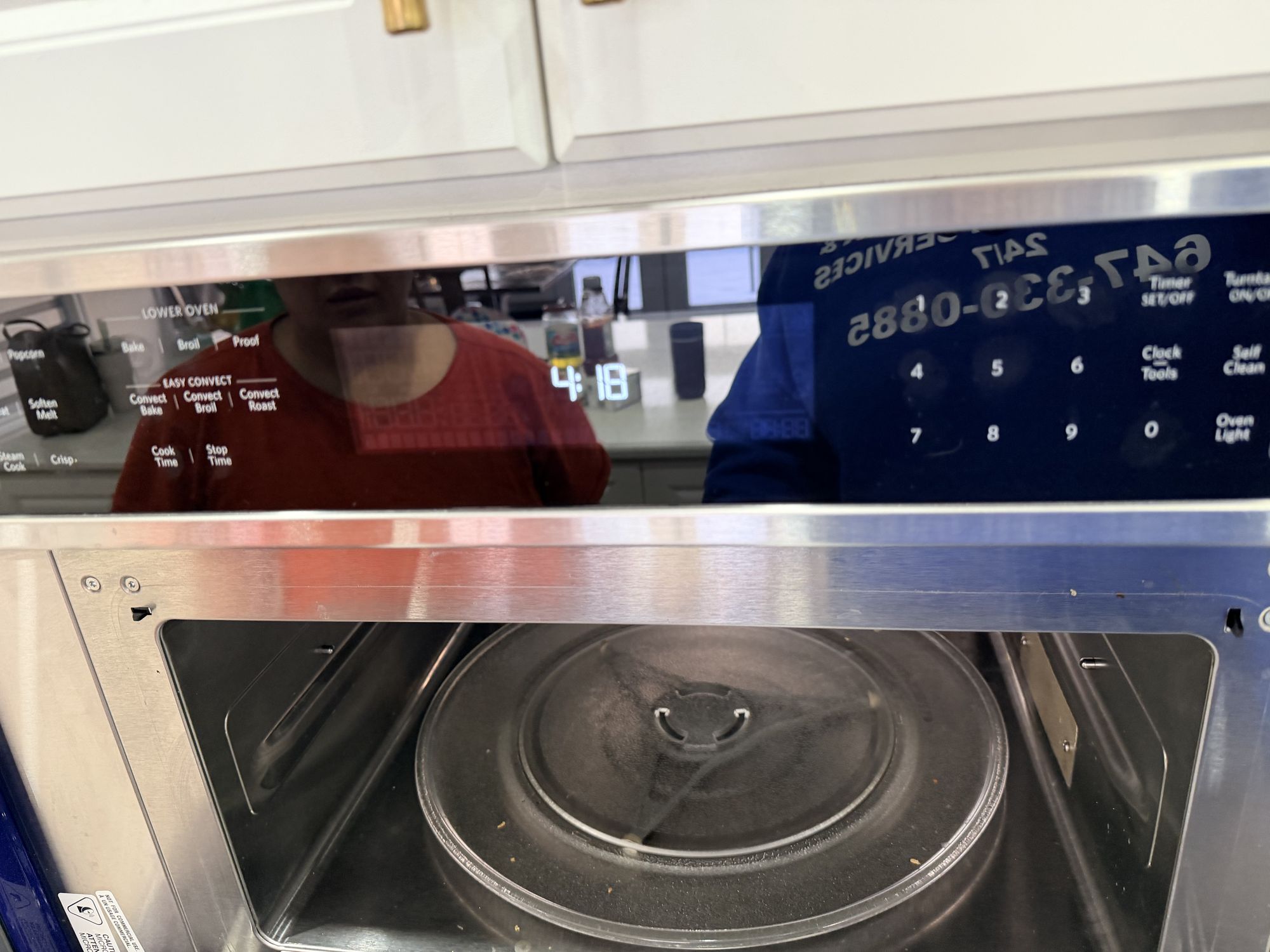
If there’s a small D on the display, Stop/Reset will never clear it — because it isn’t a lock. Demo Mode (also called Display Mode) is the setting stores use so a microwave can be shown running on a shelf without being plugged into anything but a display circuit; the panel works but the unit never actually cooks. It often gets switched on accidentally during setup, or arrives that way on a floor-model purchase.
To exit Demo Mode on most Panasonic models, the cleanest reset is to unplug the unit for a full minute, plug it back in, and — while the clock is flashing — set the clock without re-entering the demo sequence. Models vary in the exact pad combination that toggles demo mode, so if a power-cycle alone doesn’t drop the “D,” check the clock/timer setup steps in your model’s manual. If neither works, the demo flag is stuck in the control board and a technician can clear it.
Still locked after Stop/Reset? Five things to check
When the standard method fails, run through these before assuming the worst:
- You may be too slow. The three Stop/Reset taps need to land within roughly 10 seconds. Tap them deliberately but quickly, then wait for the beep.
- A pad is stuck or dirty. Grease or a sticky residue under the membrane can hold a button “pressed,” which the board reads as a lock or blocks the unlock. Wipe the panel with a barely-damp cloth and try again.
- It’s actually Demo Mode. Re-check the display for a “D” — this is the single most common reason “unlocking” appears to fail.
- The clock needs resetting first. After a power-cycle some models won’t accept commands until the clock is set. Set the time, then test.
- Control Lock vs Child Lock. A few Panasonic models separate a full Control Lock (everything disabled) from Child Lock. Both clear with Stop/Reset, but a full control lock can need the press-and-hold version.
Cleared the lock, power-cycled, and the panel still won’t take a command? That’s the signature of a failed membrane keypad or control board — not a setting you can reset. Same-day GTA Panasonic microwave service across Toronto, North York, Markham, Vaughan, Bradford, and York Region.
When “locked” actually means a broken control panel
A lock you can’t clear, a panel where some pads work and others are dead, or a lock that re-arms itself the second you remove it — these are hardware symptoms, not user error. The likely culprits:
- Failed membrane (touch) keypad. The thin printed circuit behind the buttons cracks or corrodes with age and steam, so presses don’t register — or register as the wrong command. This is the most common Panasonic panel failure and is a replaceable part.
- Control board fault. The main board that reads the keypad and drives the display can fail, freezing the panel or locking it out. On Inverter models, an H97/H98 code points to the inverter circuit and needs a technician.
- Door-switch interlock issue. If the unit thinks the door is open, it can refuse all cook commands in a way that looks like a lock. This is a safety system and should only be serviced by a qualified tech — never bypassed.
A microwave is one of the few appliances where DIY beyond the keypad is genuinely risky: the high-voltage capacitor can hold a lethal charge for a long time after it’s unplugged. Diagnosing a dead panel or a door interlock is a job for a technician, not a screwdriver.
Panasonic models this guide covers
The child-lock method above applies across Panasonic’s current and recent ranges, including the Genius, Genius Prestige, Genius Sensor, and Inverter lines — countertop, over-the-range, and built-in. That covers popular models such as the NN-SN686S, NN-SN966S, NN-ST665B / NN-ST67 series, NN-SD/NN-SE series, and the OTR Inverter units. If your model is older or unusual and the steps here don’t clear it, your owner’s manual lists the exact pad sequence — and our techs service every Panasonic microwave sold in Canada.
How to stop the child lock turning on by accident
Because three taps of Start is all it takes to set the lock, accidental locks are common in homes with kids or in tight kitchens where the panel gets brushed. A few habits prevent the repeat call:
- Wipe the panel with the microwave unplugged or the door open so cloth pressure can’t trigger the Start sequence.
- Teach kids the panel isn’t a toy — and remember that, intentionally, child lock exists precisely so they can’t start the unit.
- If your model supports it, leave Child Lock on deliberately when small children are around; clearing it with Stop/Reset takes seconds when you actually need to cook.
Microwave unlocked but acting up? If it’s not heating, sparking, turning on by itself, or showing an error code, read our microwave repair guide or call our team for a same-day diagnosis across the GTA.
Panasonic microwave lock FAQ
How do I unlock my Panasonic microwave?
Press the Stop/Reset pad three times within about 10 seconds. On most Panasonic models the child-lock icon clears and the clock reappears right away. On newer flat touch-panel models, press and hold Stop/Reset for 3 to 5 seconds instead. If that doesn’t work, unplug the unit for 30 to 60 seconds, plug it back in, and try once more.
Why did my Panasonic microwave lock itself?
It almost certainly didn’t lock by itself. On Panasonic microwaves, pressing Start three times turns child lock on, so the most common cause is an accidental triple-tap — a child leaning on the panel, or pressure from wiping it down. The fix is the same: Stop/Reset three times.
What is the lock symbol on a Panasonic microwave?
A small key or padlock icon (or the word “Child” / “Lock,” and on some models just an “L”) means Child Lock is active. Every pad except Stop/Reset is disabled while it shows. A letter “D,” by contrast, is Demo Mode — a different setting that needs a different fix.
How do I turn off Demo Mode on a Panasonic microwave?
Demo Mode shows a “D” on the display and lets the panel run without ever heating. Stop/Reset will not clear it. The most reliable fix is to unplug the microwave for a full minute, plug it back in, and set the clock without re-entering the demo sequence. The exact pad combination varies by model, so check your manual’s clock-setting steps if a power-cycle alone doesn’t remove the “D.”
My Panasonic microwave won’t unlock at all — what now?
First confirm you’re not looking at a “D” (Demo Mode) and that the three Stop/Reset taps land within about 10 seconds. Wipe the panel in case a pad is stuck, then power-cycle for a minute and retry. If the lock still won’t clear, or no pads respond, the membrane keypad or control board has likely failed and needs a technician.
Is it safe to keep using a microwave that won’t unlock?
If it’s simply child-locked, it’s perfectly safe — child lock is a safety feature, and the unit isn’t running. But if the panel is unresponsive because of a hardware fault, stop using it and have it checked. Never attempt internal repairs yourself: a microwave’s high-voltage capacitor can hold a dangerous charge long after it’s unplugged.
Does unplugging a Panasonic microwave reset the child lock?
Unplugging clears a momentary control glitch and resets the clock, and it can help if the lock is stuck, but child lock is stored in the control board and usually survives a power-cycle. The intended way to clear it is still Stop/Reset three times — use the power-cycle as a backup if that fails.
What do H97 and H98 mean on a Panasonic microwave?
H97 and H98 are inverter-circuit fault codes on Panasonic Inverter models — they indicate a problem in the high-voltage inverter or its sensing circuit, not a lock. These are not DIY fixes; the unit needs a technician to diagnose and replace the faulty inverter or board.
How much does it cost to fix a Panasonic microwave control panel?
A membrane keypad or control-board replacement on a Panasonic microwave typically runs in the range of $150 to $300 in parts and labour in the GTA, depending on the model and part availability. Our $89 service-call fee is waived when you approve the repair. For an older or lower-cost countertop unit, a tech will tell you honestly if replacement is the smarter call.
When should I call a technician for a locked Panasonic microwave?
Call a pro when the lock won’t clear with Stop/Reset and a power-cycle, when individual pads are dead, when the lock re-arms instantly, or when you see an H-code on an Inverter model. Those are control-panel hardware faults, not settings. We offer same-day Panasonic microwave service across the GTA, York Region, and Simcoe County — call 647-834-4646.
Need a Panasonic microwave technician in the GTA today?
Same-day Panasonic microwave service across Toronto, North York, Markham, Vaughan, Bradford, and York Region. Our technicians arrive Panasonic-trained, diagnose locked and unresponsive panels safely (the high-voltage side is no place for DIY), and back every repair with a 90-day warranty on parts and labour. $89 service-call, waived when you approve the repair.